
“Build A Website in 30 Minutes”
Review of Justin Nifong‘s Udemy Course “Build A Website in 30 Minutes”
by L. Couch (A1 Resource WP Network Author)
“Build A Website in 30 Minutes” portfolio site is part of the A1 Resource WP Network Portfolio. The A1 Resource Network Portfolio is an UNOFFICIAL site created by a student to demonstrate Udemy course results.
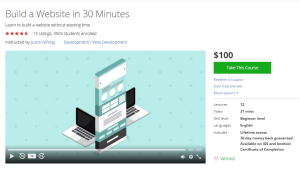
ABOUT THE COURSE
The portfolio site “30 Minute WordPress” was built using the instructions given in the online Udemy Course called “Build A Website in 30 Minutes” by Justin Nifong. In this fast pace course, the instructor quickly steps you though creating a WordPress site with helpful tips and techniques. He demonstrates buying hosting and a domain name through A Small Orange hosting company. The course has 31 minutes of video and 12 lectures. It took about 2 hours for me to complete the course. To be fair, it could have been shorter, but I spent some time organizing website photos and so forth – not a part of this course.
HOSTING AND DOMAIN VARIATION
Having created other WordPress sites, rather than purchase additional hosting and a domain name, I went to my new hosting company (HostGator). I created a folder under my current domain name. Thus, this “30 Minute WordPress Site“ was created in my A1Resource.net’s “/public_html/portfolio/30min” folder. I used the FireFox FireFTP add-on for FTP to access the hosting directory and to create the “30min” subdirectory. Creating the subdirectory prior to installing WordPress may not be necessary. Chrome web browser works well for viewing Udemy courses and creating websites.
WORDPRESS INSTALL
To install WordPress, I used HostGator’s C-panel QuickInstall to create a free WordPress site. It took less than a minute to install WordPress using QuickInstall. Upon completing the install my login credentials appeared immediately at the top of the browser.
THEME SELECTION AND PLUG-INS
After leading us through logging in, installing and activating, the Zerif Lite theme, Justin quickly demonstrated creating two pages (About and Contact) and adding them to the menu. We learned how to use Contact Form 7 to include a message panel so customers can send email directly from the website. Although it increased the course completion time, I added the TinyMCE plug-in, not mentioned in this course, to make the WordPress editor a bit more full-fledged.
ADDING CONTENT
The last demonstration was on adding posts. As in many courses, the instructor added Lorem Ipsum text for the example. Creating this post(page) alone took additional time beyond the 30 minutes.
MORE INFO
For more information on Justin Nifong’s, “Build a Website in 30 Minutes” Udemy course, watch his promo video at:
https://www.udemy.com/30-minute-website/
SUMMARY
You can build the basic WordPress site quickly as demonstrated by this example portfolio “30 Minute WordPress Site” (http://a1resource.net/portfolio/30min/). Justin’s WordPress example site is: http://aeasysite.com/ Plans for additional sites while taking Udemy’s many other WordPress courses are in the works. Expect updates to A1 Resource’s portfolio. The portfolio will track student progress while learning and utilizing the many features of WordPress.
*Update: Sept 2017 – Unfortunately, Justin’s example site is no longer available as the http://aeasysite.com/ domain is for sale:
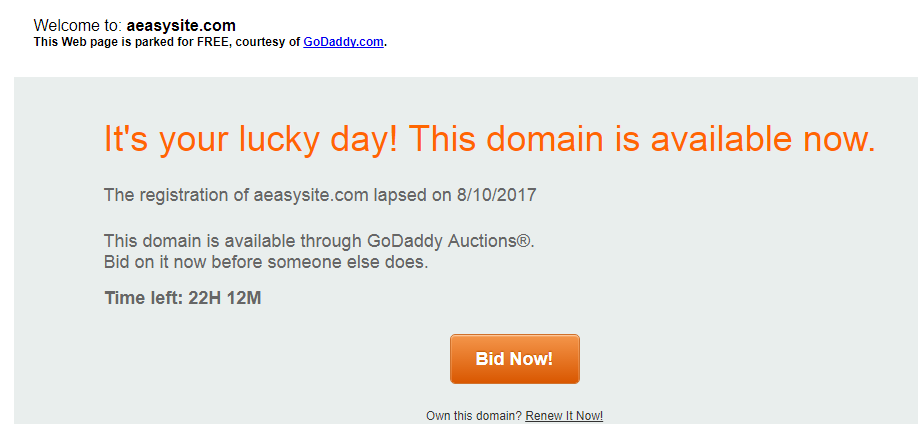
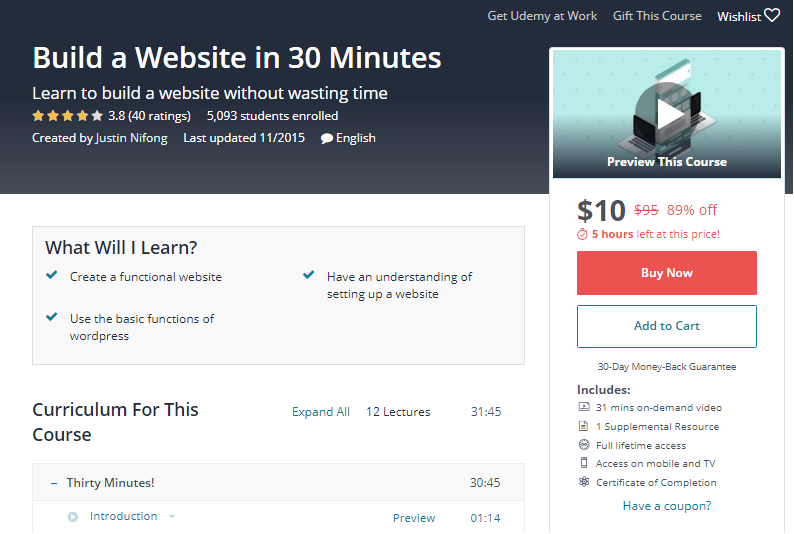
However, you can still enroll in his course in 2017 but the last update was in 2015 and there are no recent questions and answers.
Lag: At the time of the course, with three WordPress installs but only a couple of pages on the 30 Minute WordPress site, WordPress at HostGator became extremely slow. Perhaps, a multisite WordPress install would be a better option than single installs in different subdirectories.
Disclaimer: This course was free during a promotion in November through my highly recommended Udemy coupon website: PromoCoupons24.com . Caveat regarding the site’s appearance: At the end of the course videos, except for modifying the review article, site updates stopped. Thus the Zerif Lite theme default settings and photos remain.
—-
Update January 18, 2016: WordPress sites created after “Build A Website in 30 Minutes” are now built on an A1 Resource WP Network multisite WordPress structure using the hosting provided by HostGator. Edit times are much quicker. It may have been a one day glitch that caused the initial slowdown. However, using WordPress multisite may work best for a portfolio website.