

Andrew Williams Recommends C.I.Backlinks Plugin
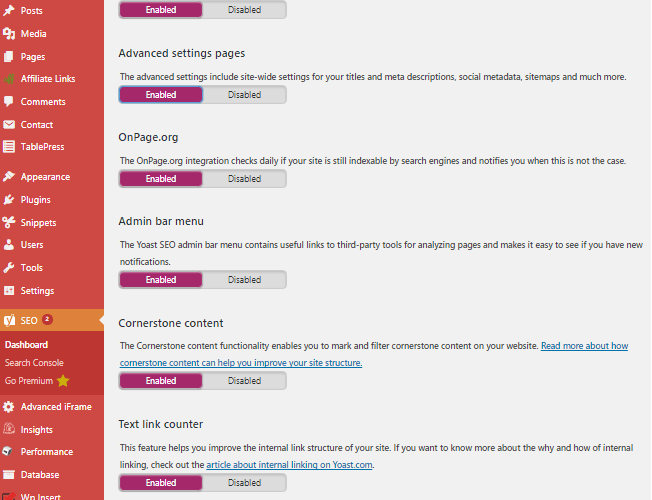
Andrew Williams’ affiliate course inspires students to utilize SEO optimization on their websites. He mentions the importance of internal linking and offers a wonderful, full-fledged plugin called C.I. Backlinks, to automate linking posts. His article regarding the plugin and where to find it can be found at his site:
The plugin has many options to create internal links using words and phrases. C.I. Backlinks’ features include the use of a hierarchy of links where developers can prioritize words and phrase linking within a page.
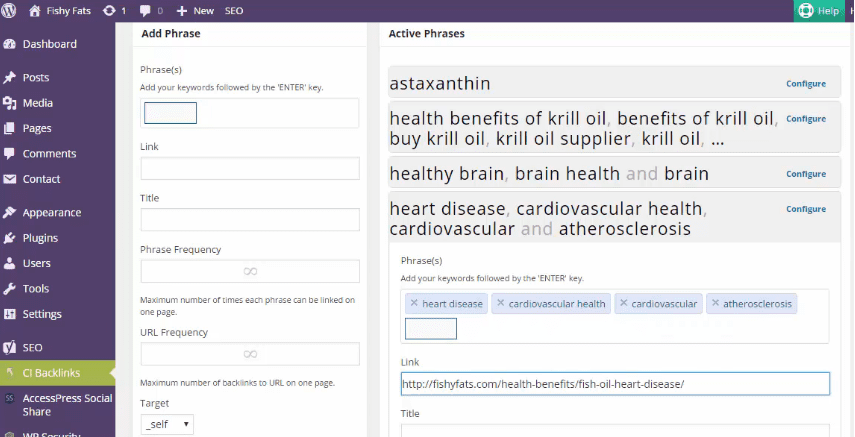
If interested in the plugin, check out, C.I.Backlinks Plugin. Currently, (Sept – 2017), the single site license is $27 and the multi site license is $37.00.
HOW TO Search, Install, and Activate the “Linkify Text” Plugin
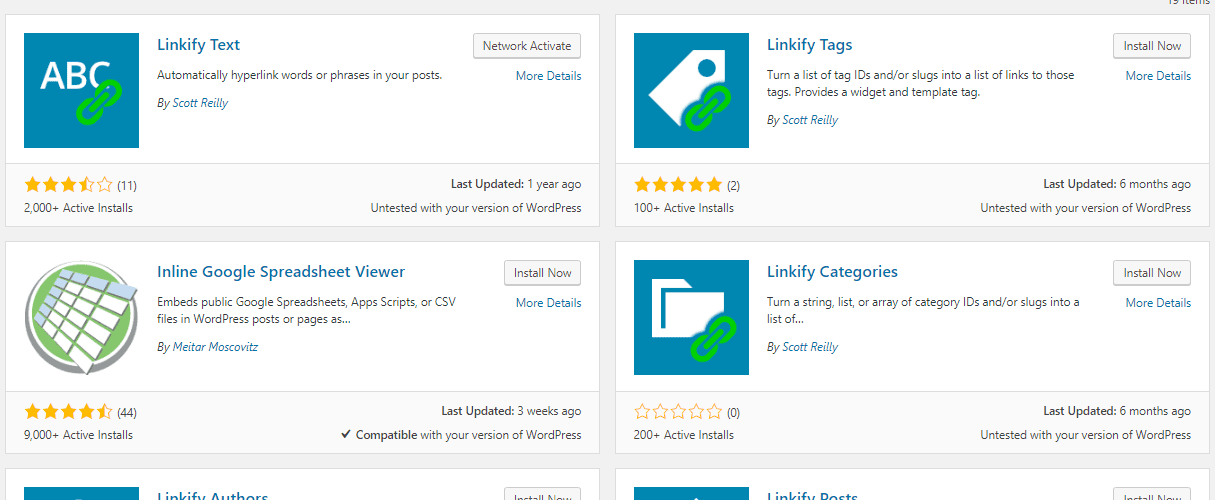
If you are not yet in need of a full fledged back link plugin, consider an alternative such as, “Linkify Text” by Scott Reilly. It has over 2,000 installations and a 3.5 rating. Per the description, it will “automatically hyperlink words or phrases in your posts”. “Linkify Text” is open source software.
To find the “Linkify Text”plugin, in WordPress, select Plugins | Add Plugins. Search for “Linkify“. Select “Linkify Text” from the many plugins by Scott Reilly. Linkify Text is the only Scott Reilly linkify plugin that I have tested to date.
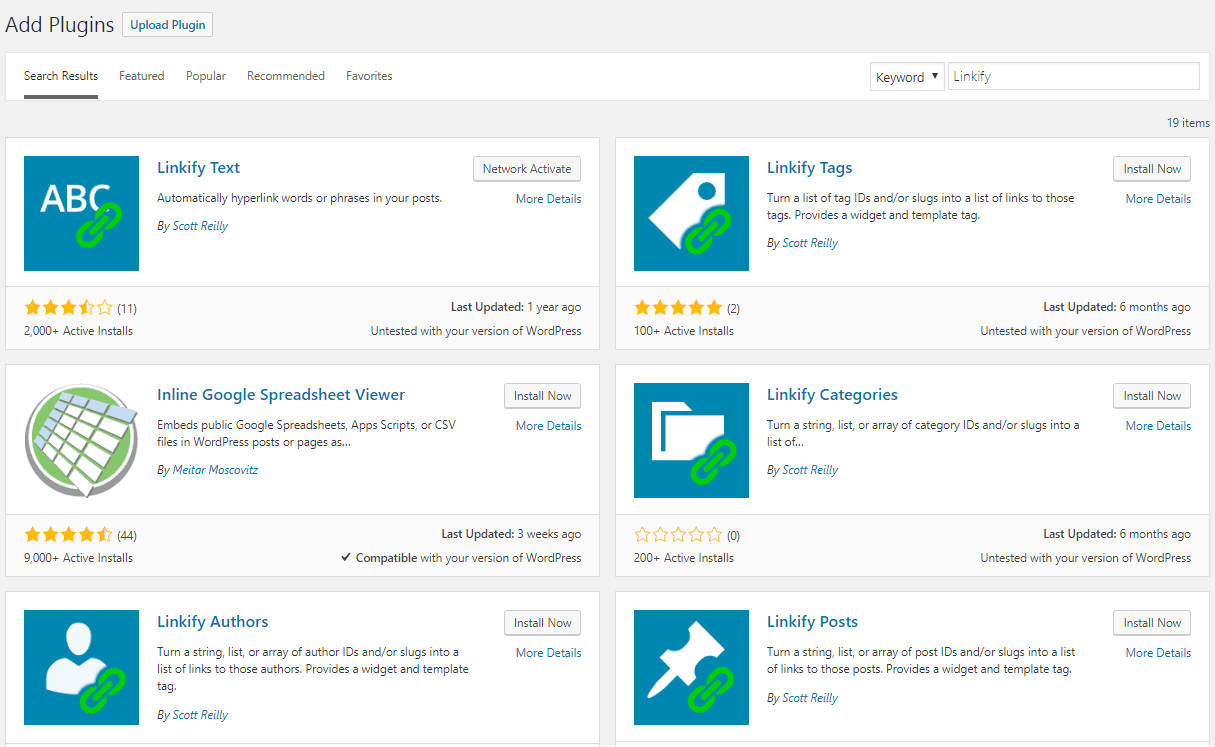
Click “Install Now” and then “Activate” to use the plugin.
Linkify Text Settings
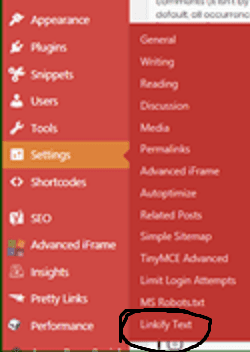
To add words and phrases, go to Settings | Linkify Text.
Linkify Text Features (as described by the developer)
This plugin allows you to define words or phrases that, whenever they appear in your posts or pages, get automatically linked to the URLs of your choosing. For instance, wherever you may mention the word “WordPress”, that can get automatically linked as “WordPress“.
Additional features of the plugin controlled via settings and filters:
- Text linkification can be enabled for comments (it isn’t by default)
- Text linkification can be made case sensitive (it isn’t by default)
- Text linkification can be limited to doing only one linkification per term, per post (by default, all occurrences of a term are linkified)
You can also link multiple terms to the same link and only define that link once in the settings via use of a special link syntax.
The developer’s Instructions to add links to words and phases are simple:
“Define text and the URL they should be linked to in the field below. The format should be like this: WordPress => https://wordpress.org “
My examples:
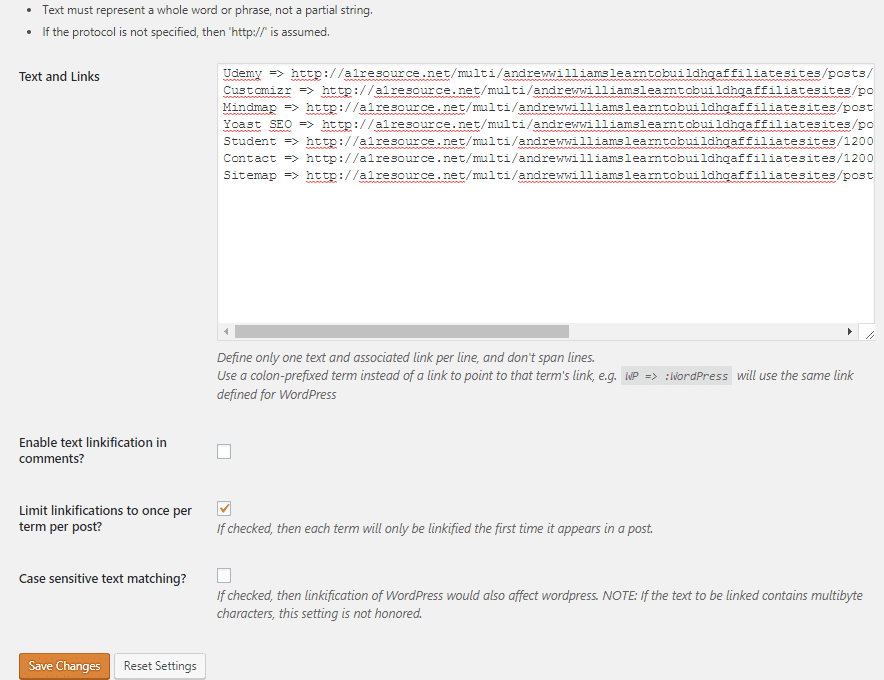
To link the word “Udemy” the syntax is:
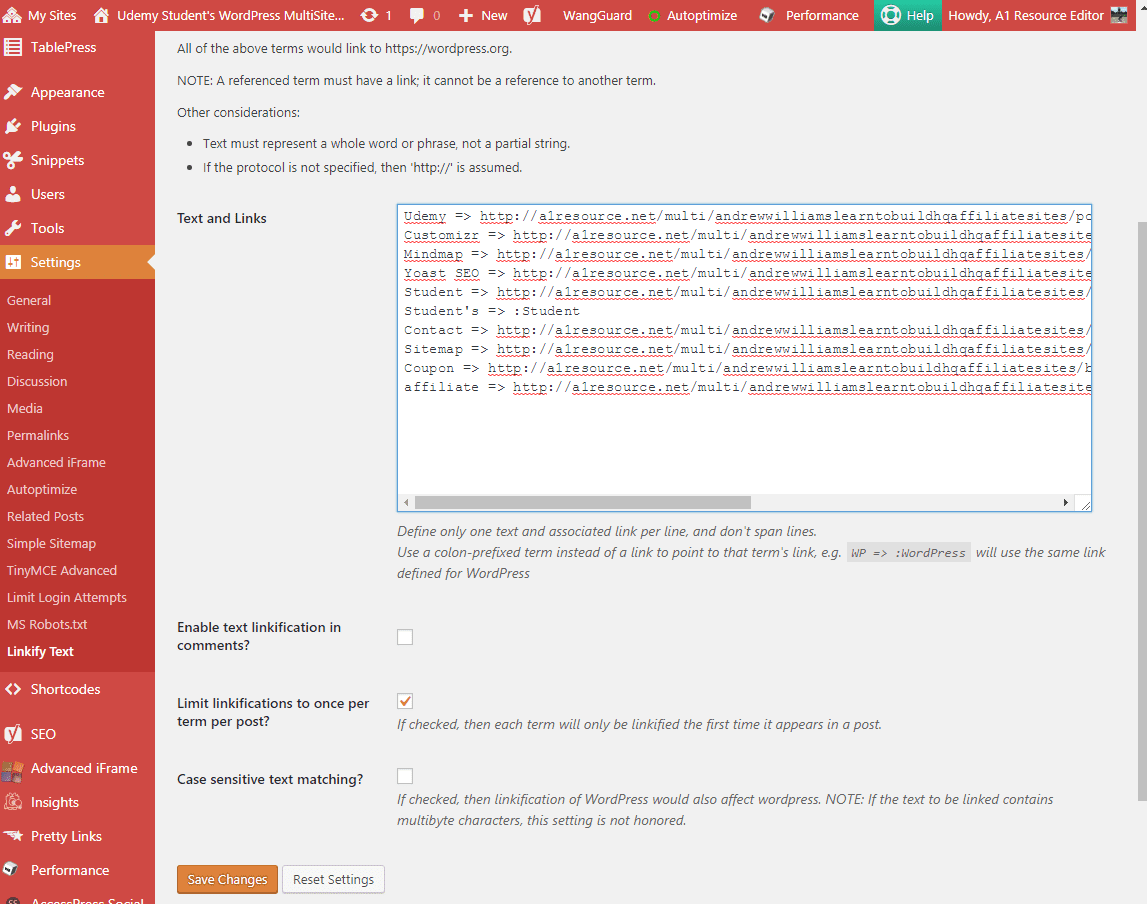
Udemy => https://a1sites.a1resources.net/andrewwilliamslearntobuildhqaffiliatesites/posts/hello-world/Selecting the option to “limit linkifications to once per term per post”, results in only the first appearance of the word “Udemy” inside of the page or post to be highlighted and linked appropriately.
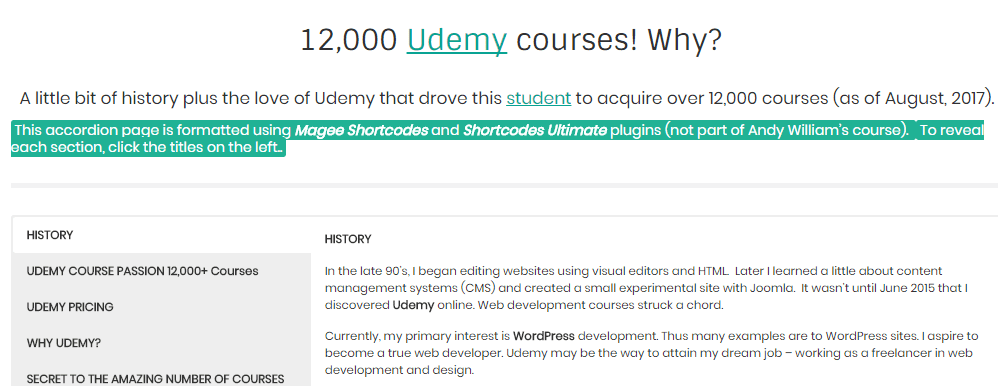
Clicking on the highlighted word “Udemy” brings up the correct page.
The Linkify Text Plugin Allows Multiple Terms Linking
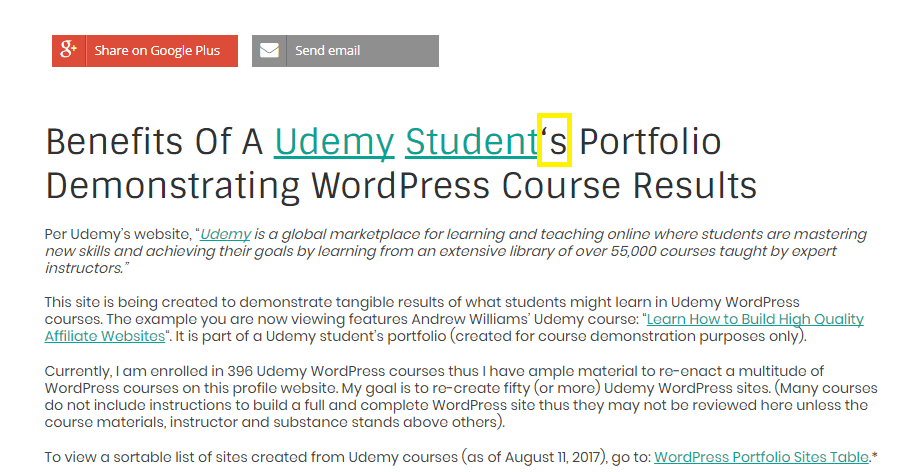
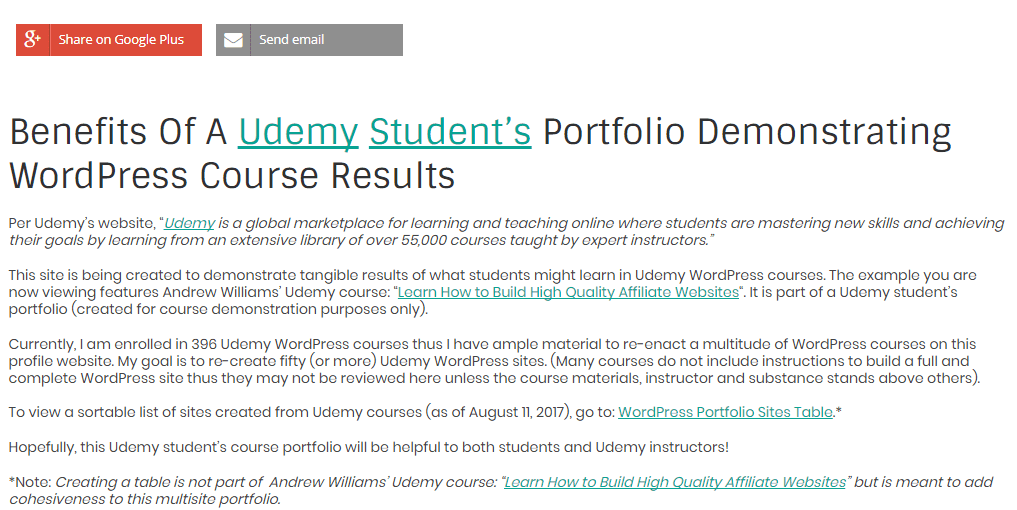
A problem occurs when linking the word “student” as linkify finds “student” inside the word student’s. Initially, when only the word “student” is linked, the highlighted word appears incorrect.
Student => https://a1sites.a1resources.net/andrewwilliamslearntobuildhqaffiliatesites/12000-udemy-courses/(The following duplicate paragraph is to show results in this actual post – that “student” is not highlighted a second time in the same post. Student’s is highlighted once).
A problem occurs when linking the word “student” as linkify finds “student” inside the word student’s. Initially, when only the word “student” is linked, the highlighted word appears incorrect. Student‘s Portfolio does not highlight the apostrophe s. The solution is easy. See below.
Per Linkify’s instructions:
Linkify Multiple Terms
You can link multiple terms to the same link and only have to define the link once. Simply provide the link for a given term, then for subsequent terms sharing the same link, use the original term prepended with a colon as the link, e.g.
WP => https://wordpress.org
WordPress => :W
All of the above terms would link to https://wordpress.org.
Add “student’s” and the link is correct.
Student’s => :Student
Adding “student’s” to the link fixes student’s appearance (the apostrophe s word).
Example Settings with additional terms linked.
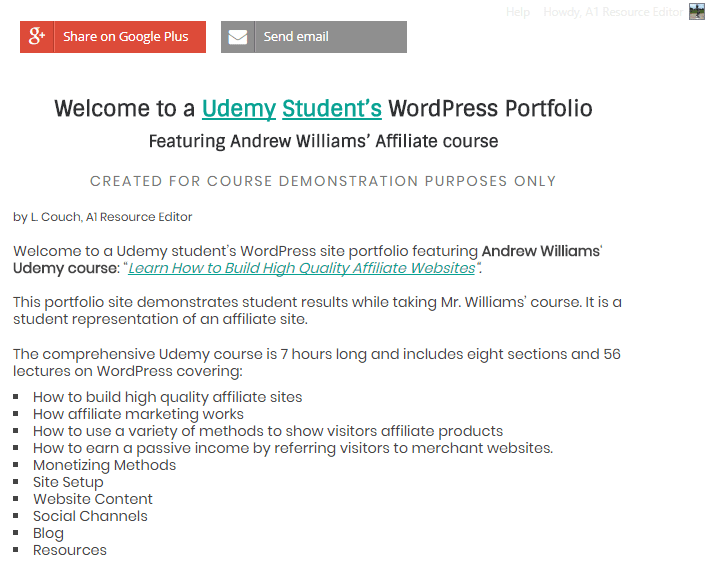
Other pages are also updated with the correct highlighting and links.
HIGHLY RECOMMEND “LINKIFY TEXT” PLUGIN
For folks testing internal backlinks on their sites but who do not have a current need for a more advanced plugin, I highly recommend Linkify Text as an alternative to C.I. Backlinks internal linking plugin. Use imagination to customize the settings to fit your website. Scott Reilly’s other linkify plugins may be worth a look as they appear to offer linkify augmentation beyond text linking.
When ready for perhaps a more robust plugin, keep in mind the more advanced C.I. Backlinks plugin.