

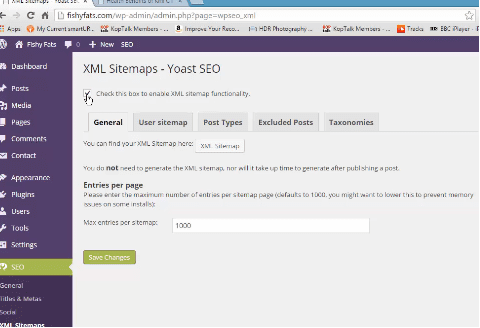
In Lecture 23, the instructor demonstrates placing a check mark at the top to enable XML Sitemaps in Yoast SEO.
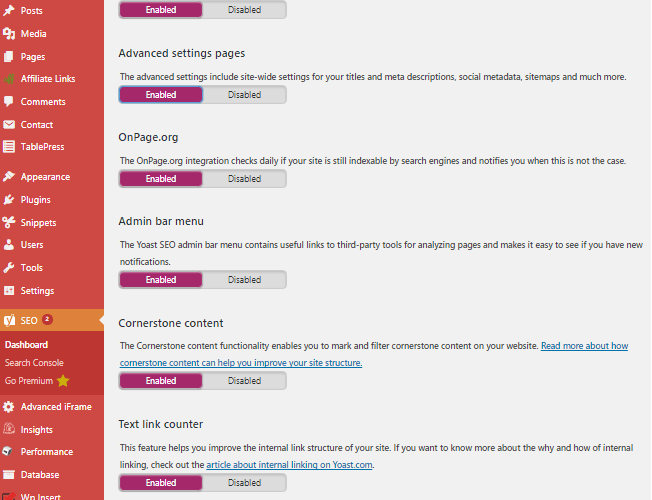
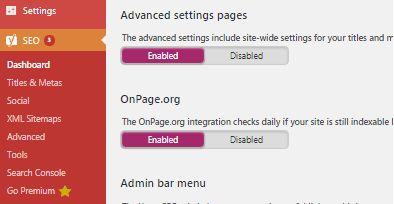
However, in recent versions of Yoast SEO, the sitemaps options are not showing by default. Per Yoast SEO help, to enable sitemaps, advanced settings must be enabled.
SEO Yoast Help
How To Enable or Disable Advanced Settings
Last update: 05 June, 2017
- Click on the ‘Features’ tab.
- Toggle the ‘Advanced settings pages’ switch. Enabled means the settings will show. Disabled removes them.
- Click ‘Save Changes’.
- After changes are saved, in the left menu, are XML Sitemaps.

Yoast Advanced Settings Disabled Yoast Advanced Settings Enabled

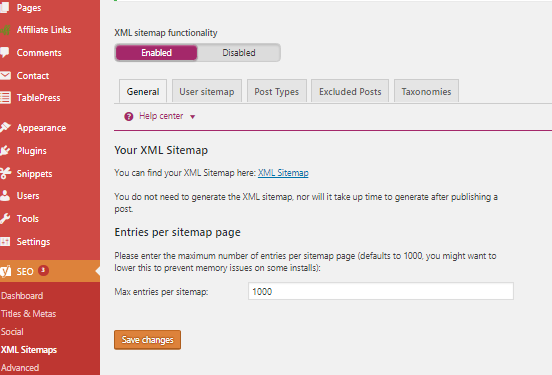
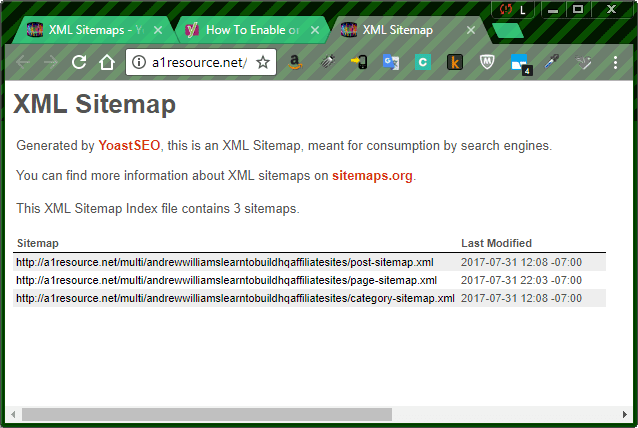
Instructor recommends including posts and categories but no need to include pages in the sitemap.
Instructor’s Sitemap
Check the type that you do NOT want to include in your sitemap as per example:
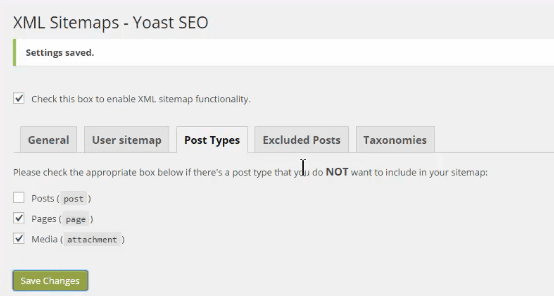
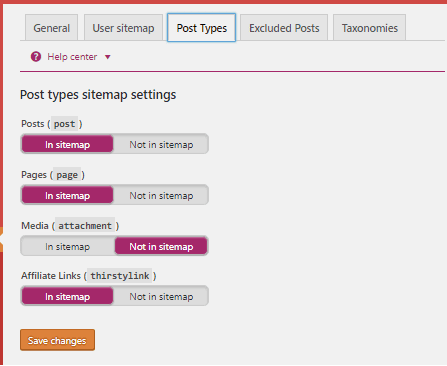
Variations in student’s Yoast SEO Sitemaps (older versus recent)
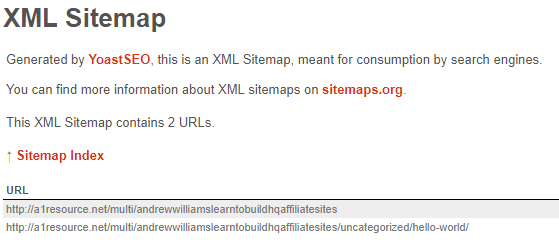
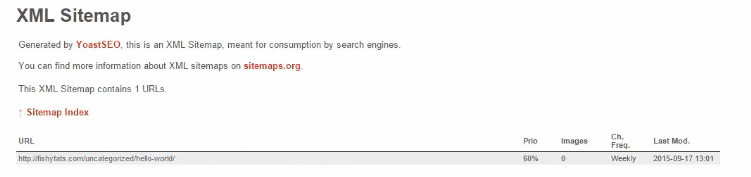
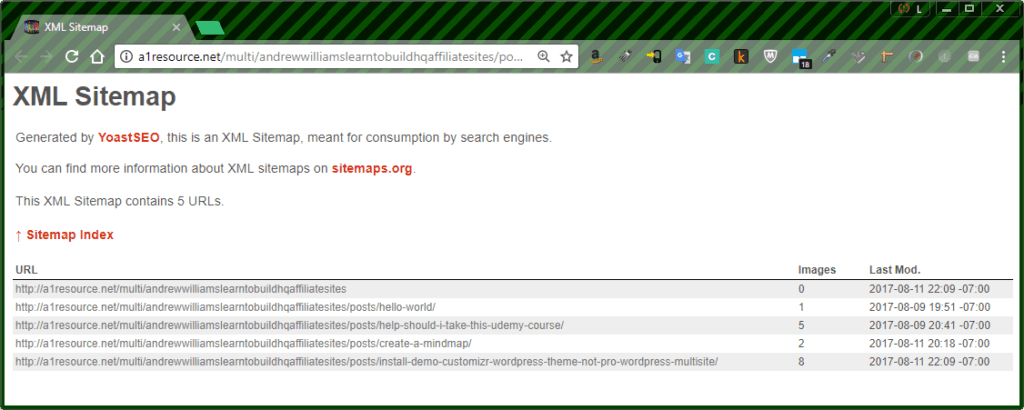
Additional content (posts) are displayed in student’s August 2017 sitemap.
XML Sitemap
Generated by YoastSEO, this is an XML Sitemap, meant for consumption by search engines.
You can find more information about XML sitemaps on sitemaps.org.
This XML Sitemap contains 5 URLs.
In summary, after selecting advanced settings, the configurations in the later versions follow much the same as in the instructor’s videos. Watch for future posts with tips as the course progresses.